Axagon
AXAGON PCEM2-D, 2x internal M.2 NVMe slot, PCIe controller
Εξαντλημένο25,61 € με ΦΠΑ
Περιγραφή
The internal AXAGON PCEM2-D adapter allows you to connect up to two M.2 SSDs to a desktop computer. It is an ideal choice for upgrading a desktop computer that is not equipped with an M.2 slot. The adapter supports both SATA and NVMe (PCI-Express) M.2 SSDs, single-sided and double-sided. There are no capacity limits for SSDs, and M.2 cards of all sizes up to 110 mm in length can be used. Both drives can operate simultaneously without issue.
Thanks to the PCI-Express interface compatible with x4, x8, and x16 slots, maximum transfer speeds can be achieved. When using NVMe SSDs, transfer speeds will be several times higher compared to standard SATA drives. The high-quality design of the card, including ventilated copper-plated holes, aids in better heat dissipation generated by the M.2 SSDs during operation.
Dual LED indicators signal the connection or data transfer in the M.2 slot. A low-profile bracket is included for installing the adapter in low-profile cases.
Input
- PCI-Express interface, compatible with PCI-Express versions 4.0 / 3.0 / 2.1 / 2.0 / 1.1 / 1.0a.
- 4-Lane configuration, compatible with x4 / x8 / x16 PCIe slots.
- SATA connector for connecting to the motherboard when using a SATA M.2 SSD. We recommend using a SATA 6G controller to achieve the best transfer speeds.
Output
- NGFF 75-pin M-key slot for mounting an NVMe (PCI-Express) M.2 SSD.
- NGFF 75-pin B-key slot for mounting a SATA (AHCI) M.2 SSD.
Other Features:
- Full Plug and Play support.
- Support for M.2 drives of all sizes - 2230, 2242, 2260, 2280, 22110 mm.
- Support for M.2 drives of all capacities.
- Simultaneous operation of both drives.
- Support for single-sided and double-sided M.2 drives.
- Better heat dissipation from M.2 SSDs thanks to ventilated copper-plated holes.
- Support for booting from SSD cards.
- Dimensions: 142 x 64 x 12 mm.
- No driver installation required.
- Note: Be cautious! The adapter allows inserting B+M-key drives into both M.2 slots. It is crucial to check the drive's specifications—whether it is designed for SATA or NVMe (PCI-Express) interface—and insert it into the correct slot. SATA drives should be connected to the B-key slot, while NVMe drives should be connected to the M-key slot.
Supported Operating Systems
MS Windows 7 / 8 / 8.1 / 10 / 11, Windows Server 2008 R2 / 2012 / 2016 (all 32-bit and 64-bit versions of Windows OS are supported), Linux with kernel 2.6.31 or higher. Note: When using Windows 7, verify the support of this OS with the manufacturer of the M.2 SSD, especially when using NVMe drives.
Package Contents
- PCI-Express adapter with a standard bracket
- Low-profile bracket
- Mounting materials
Παρόμοια διαθέσιμα προϊόντα
TP-Link
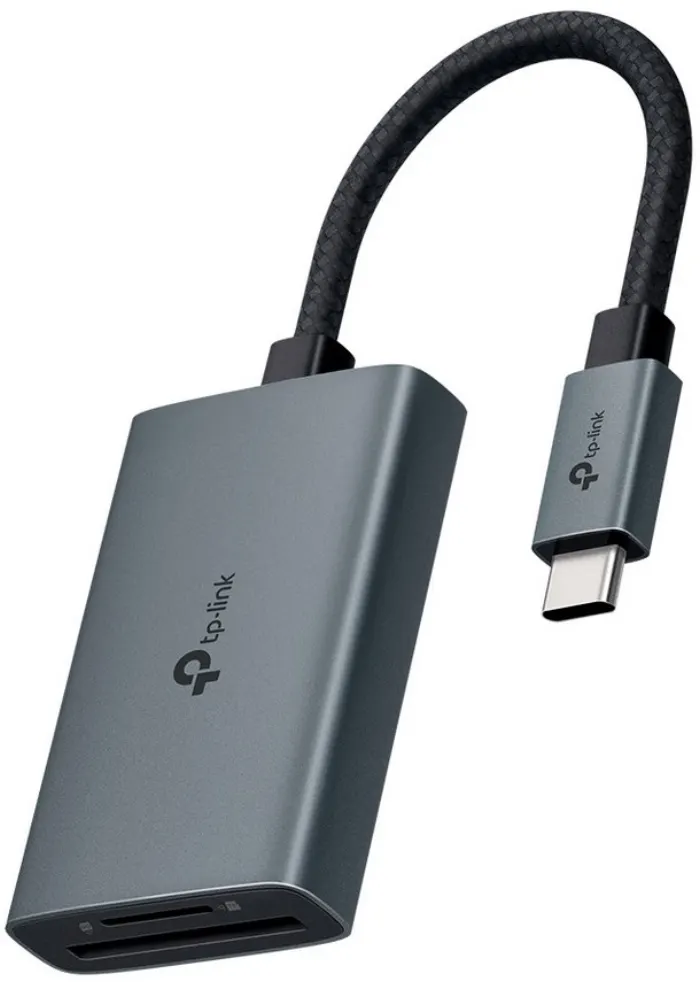
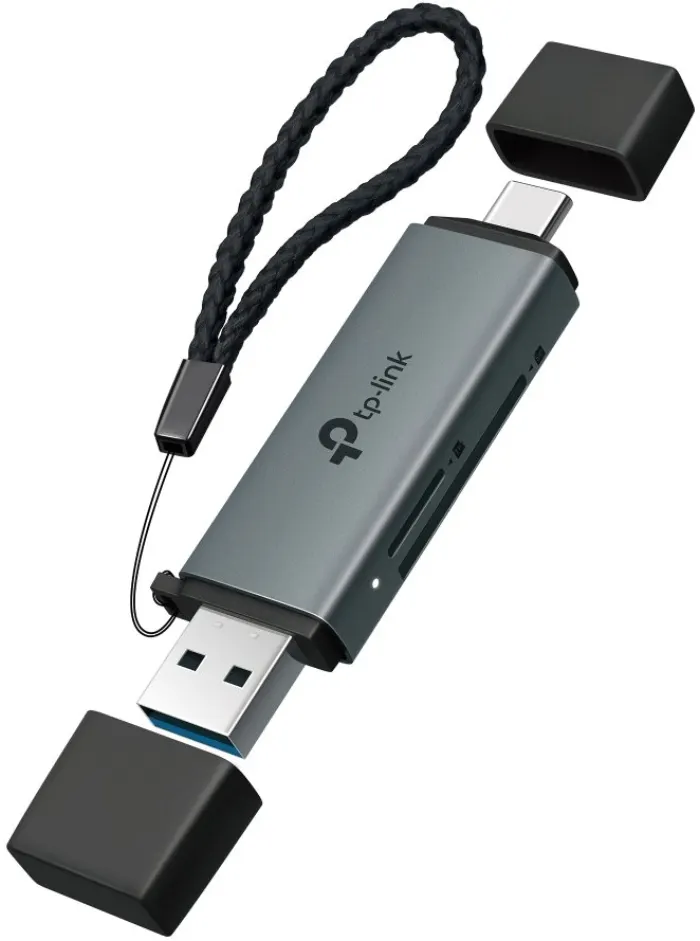
TP-Link UA430D Card reader USB 3.0 type C and A to SD and microSD
Χαμηλό απόθεμα
22,31 € με ΦΠΑ