Ubiquiti
Ubiquiti Unifi Controller on Banana Pi M2 Berry
Εξαντλημένο100,28 € με ΦΠΑ
Περιγραφή
UniFi Network Banana Pi M2 Berry is a compact device with a pre-installed UniFi Network with the possibility of remote management of all Unifi AP units. The heart of the controller is a very quality Banana PI M2 BERRY board with enough power to manage up to 35 devices (UniFi AP, UniFi Switch, USG), which is almost 2x the performance of a standard UC-CK device from Ubiquiti Networks. Thanks to this device, you no longer need to install the UniFi Network on desktop PCs or servers with much higher power consumption.
Key Features
- Pre-installed UniFi Network - power to manage UP TO 35 DEVICES
- 1.2 GHz 32-bit quad-core ARM Cortex-A7 CPU, 1GB RAM
- 4x USB 2.0 ports
- MicroSDHC slot
- 10/100/1000 Mbps Ethernet port
- Maximum consumption 7W - power via microUSB (5V, 2A)
- Quiet operation without fan
- Compatibility with Raspberry Pi 3B+/3B/2B/1B+ accessories
- Mounting in a rack thanks to the included holder
Easy installation
Installation of the Banana PI M2 Berry UniFi Network is very simple - just connect to the network with an Ethernet cable, connect the power source, wait for booting (approx. 2 minutes) and using the web browser, you simply enter the IP address that your device received from the dhcp server. If there is no DHCP server, use the address 192.168.1.30.
Package contents
- Device - Banana PI M2 Berry in box
- MicroSD card with pre-installed UniFi Network
- MicroUSB adapter 5V, 2A
Παρόμοια διαθέσιμα προϊόντα

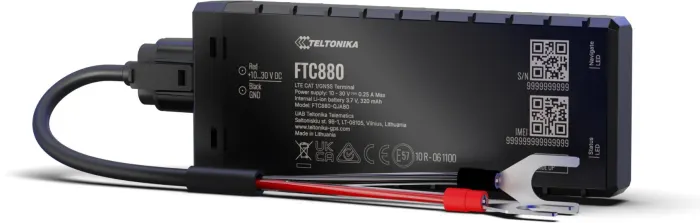
Teltonika
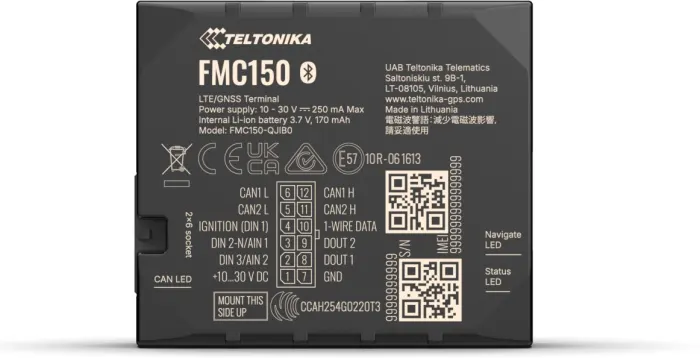
Teltonika Telematics FMC150, GPS smart tracker with Bluetooth, 4G LTE Cat 1 and eSIM
Χαμηλό απόθεμα
115,49 € με ΦΠΑ
Teltonika
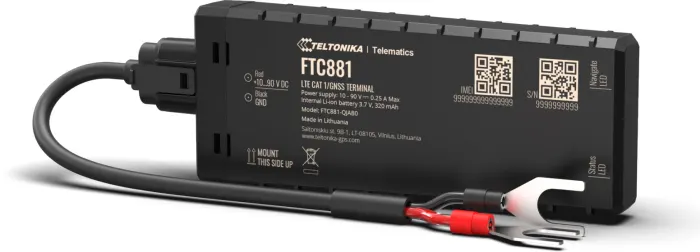
Teltonika Telematics FTC881, Vehicle GPS tracker with 4G LTE Cat 1
Χαμηλό απόθεμα
83,70 € με ΦΠΑ